What's your business about? Tell us — we'll build it with you.
Describe it in your own words below. Webese asks a few questions, then writes and designs a site around what actually makes your business different — no templates, no blank page, no generic AI copy.
Wherever you're starting from.
The same builder, pointed at three different starting points.
Starting from scratch
Build your first real website
Describe your business in plain language. Webese asks the questions a strategist would, then writes and designs a site around what actually makes you different — not a template with your logo dropped in.
Build my websiteAlready have a site
Bring it across, done properly
Give Webese your current site's address and it pulls your colours, copy, tone, and real photos, then rebuilds around your positioning. Your old site stays live until you're ready to move your domain.
See how switching worksLaunching something new
Get a focused page live fast
A new product, a new location, a seasonal offer — describe it and Webese builds a clear, message-first page around it, live the same day, without touching the rest of what you've already built.
Build my websiteReal businesses, built this way
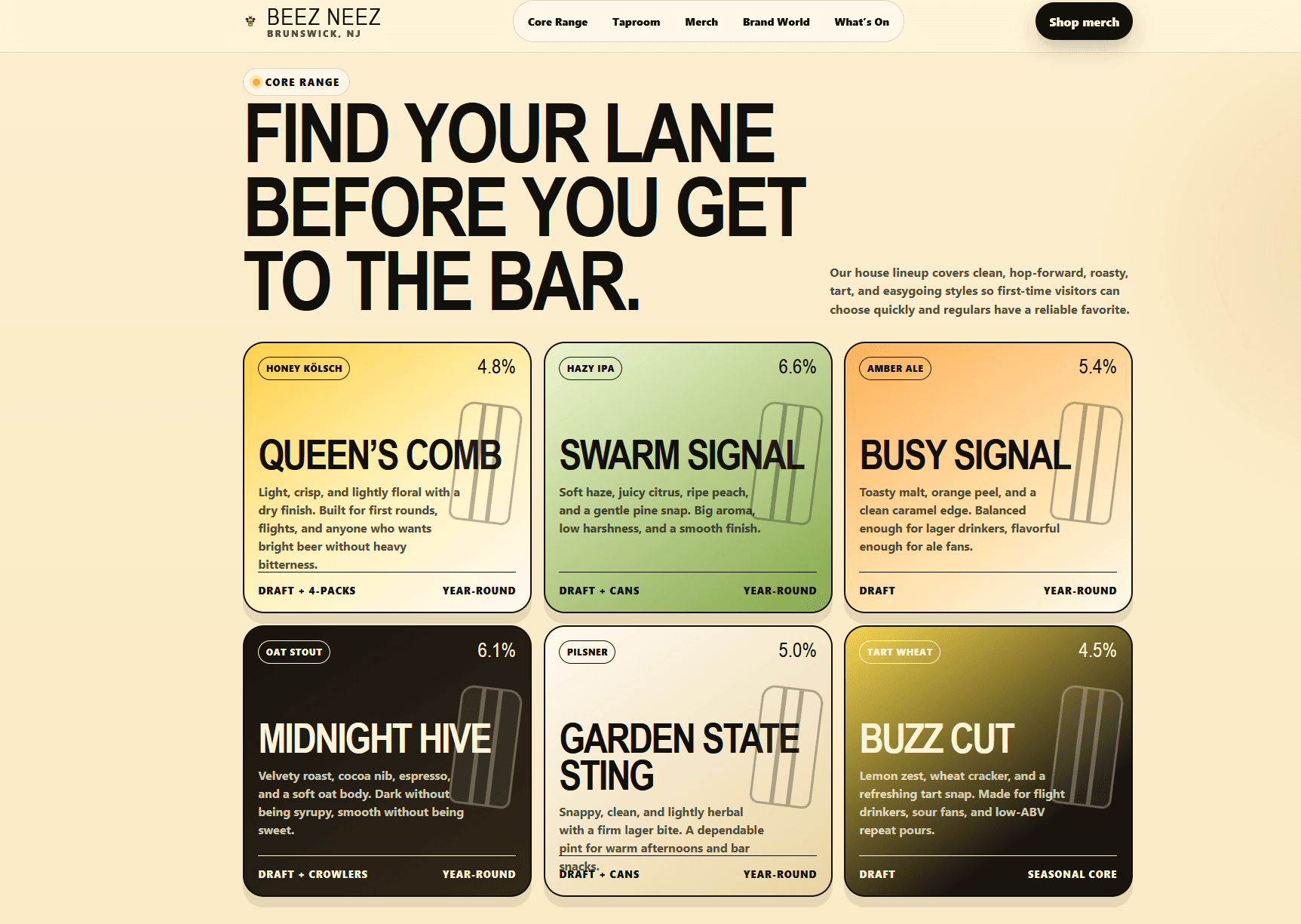
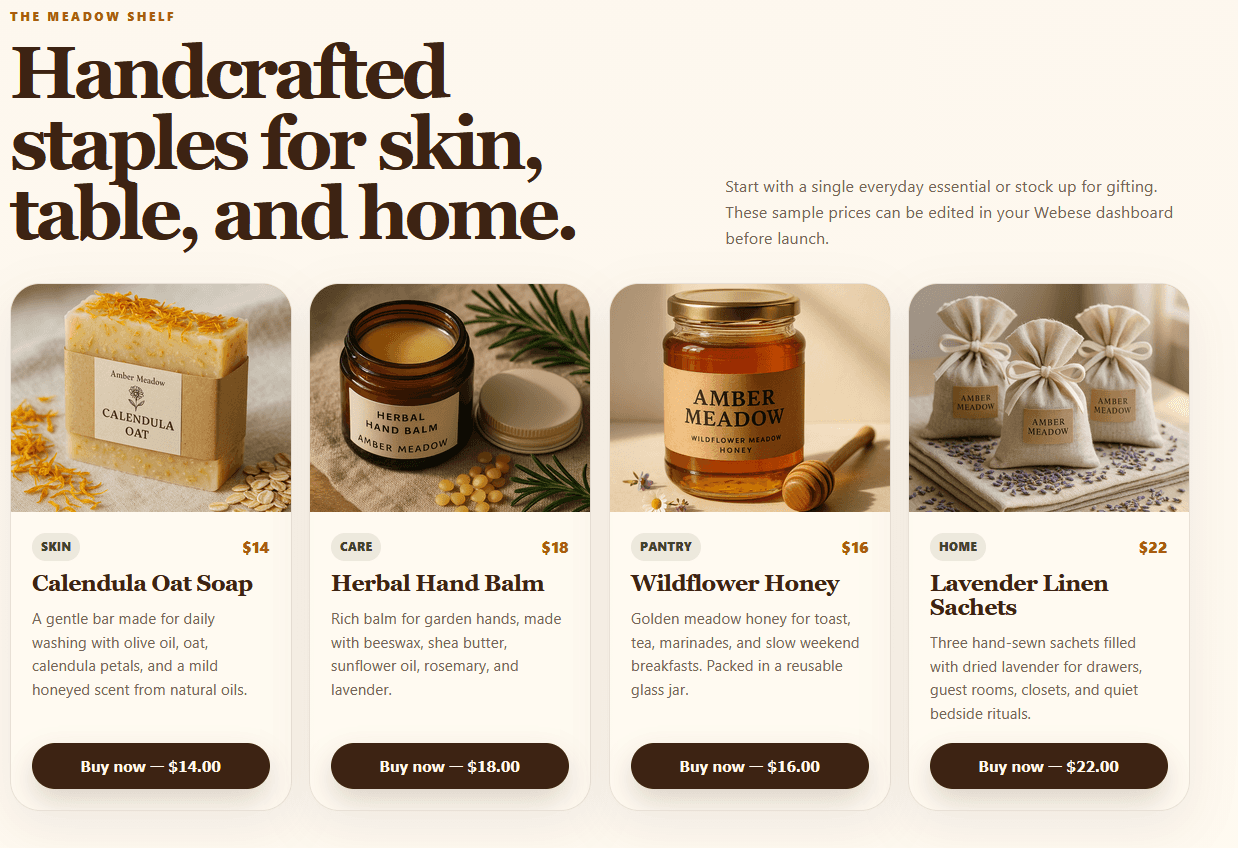
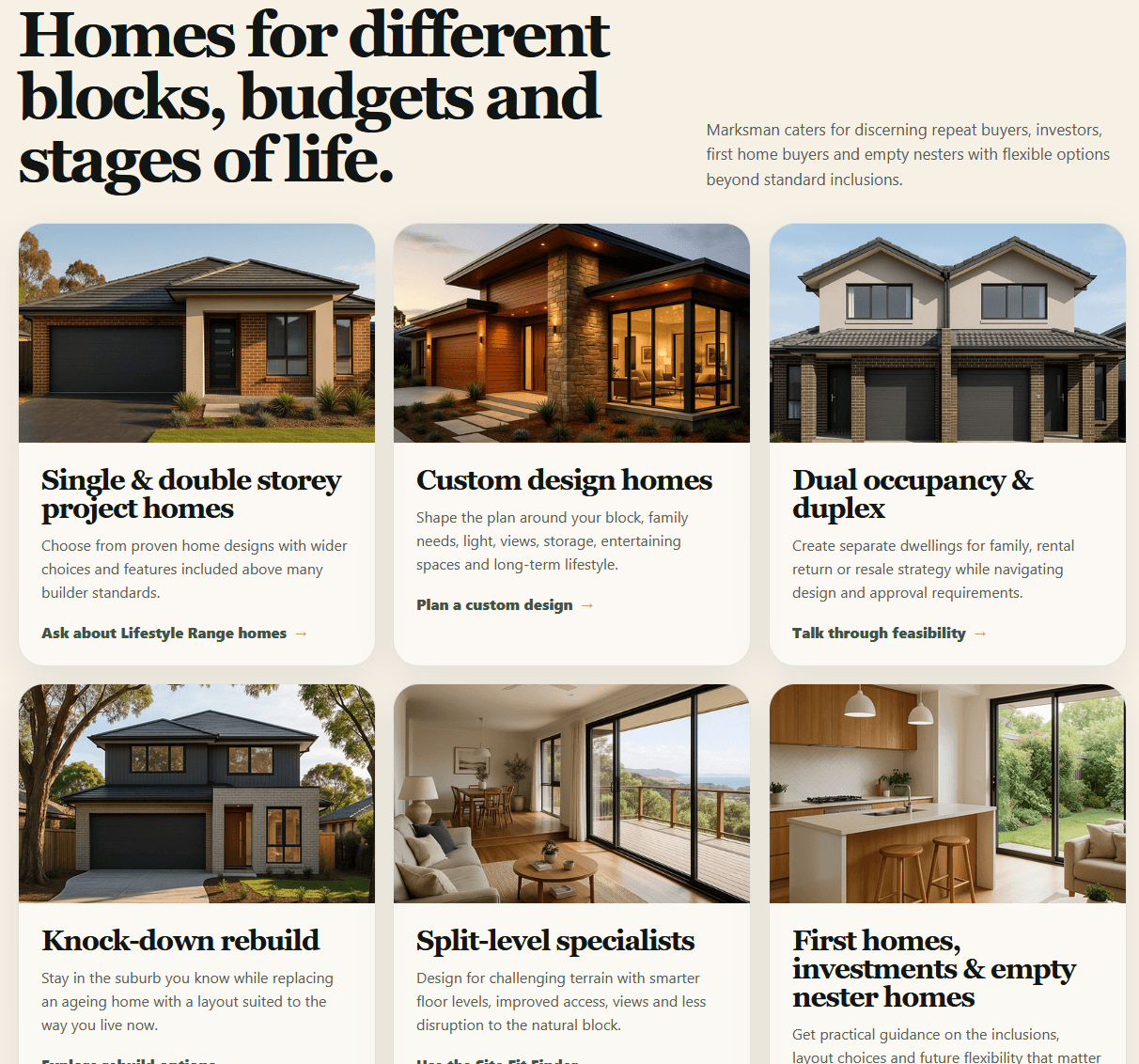
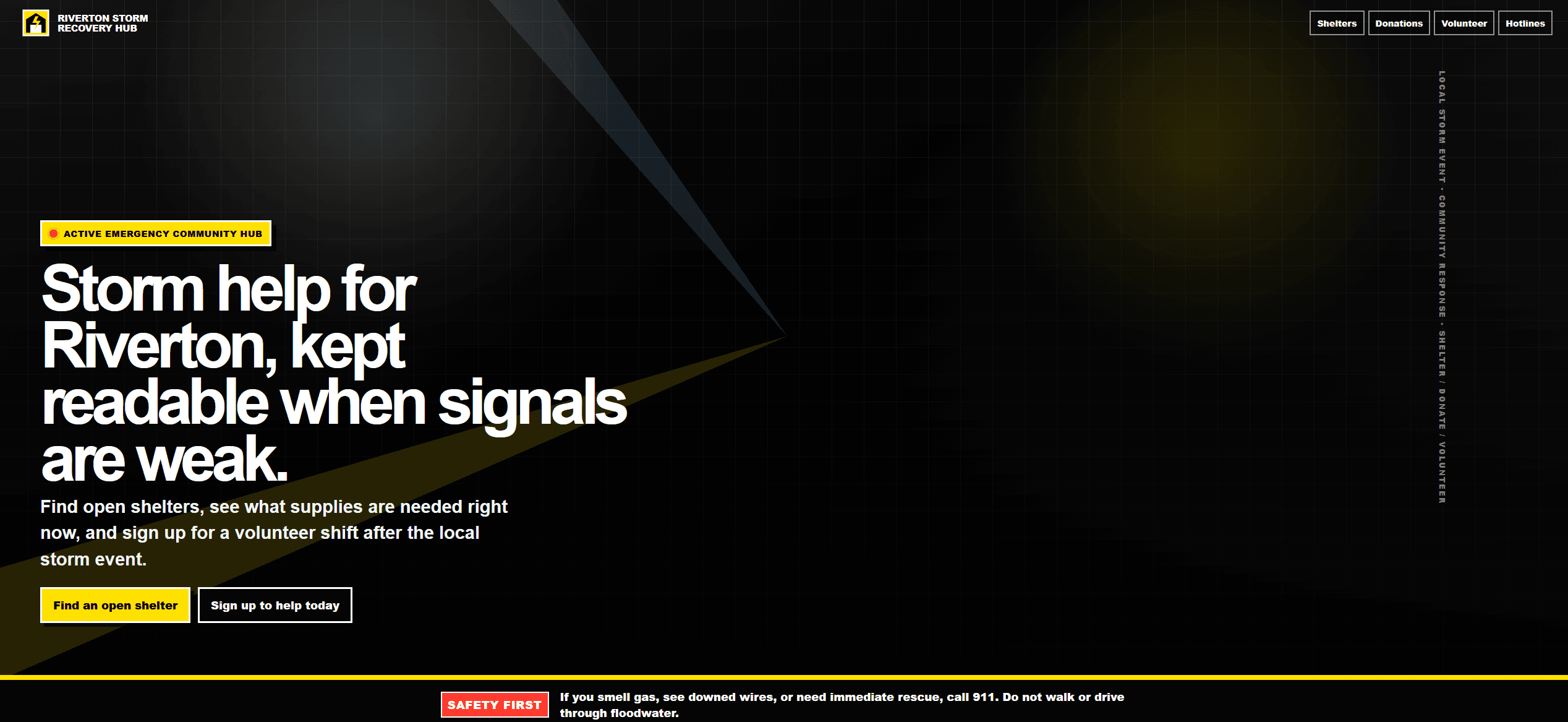
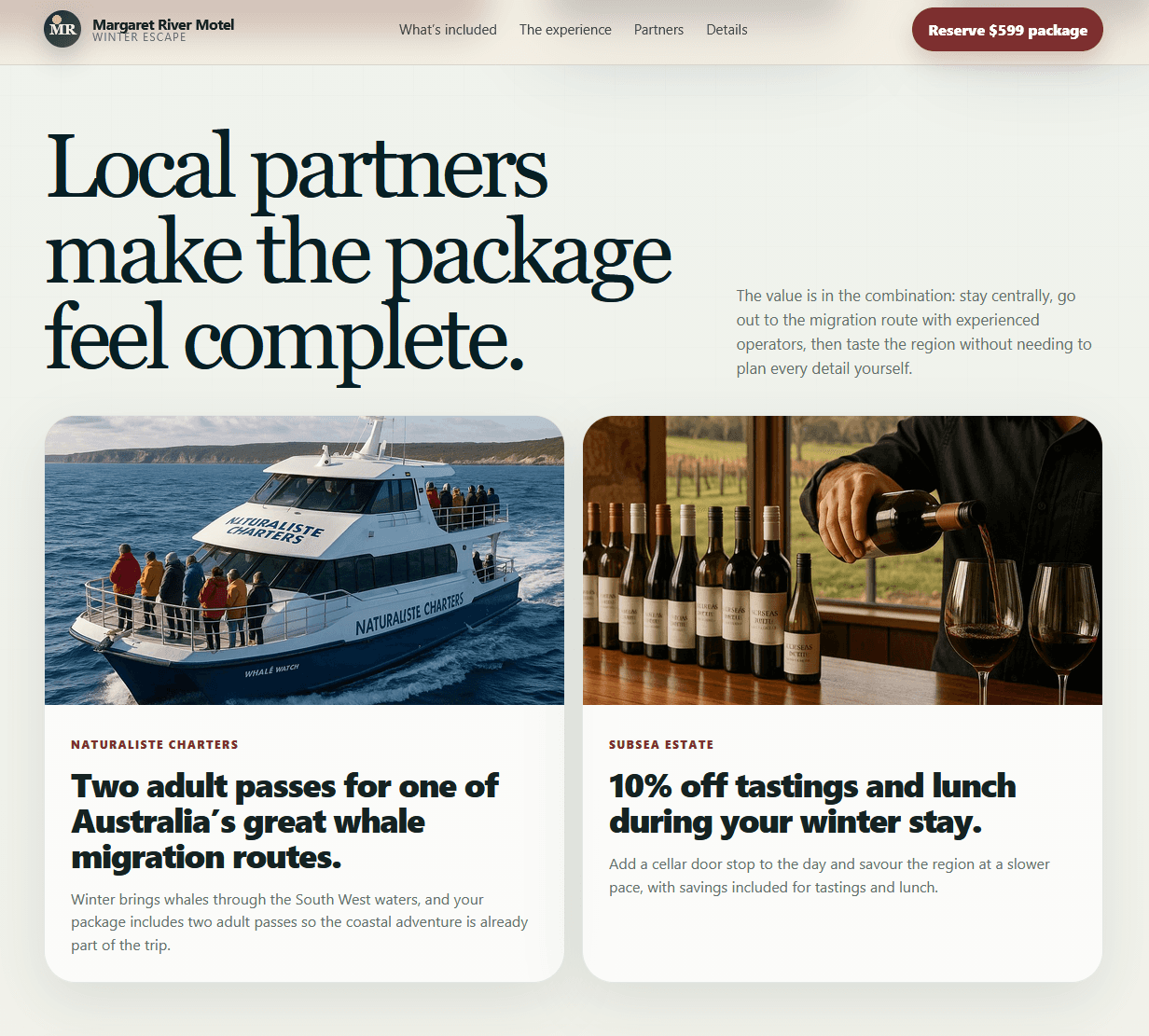
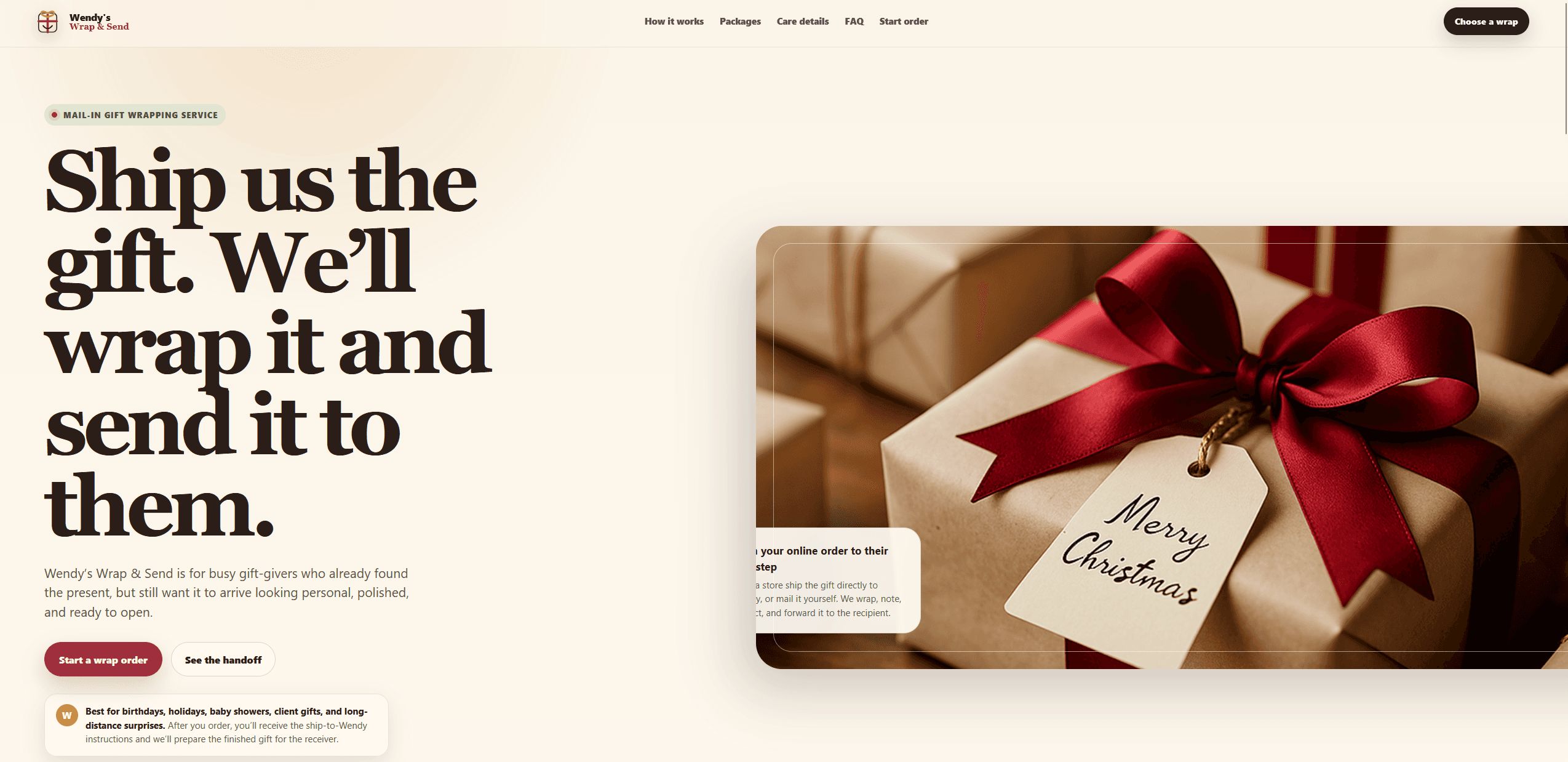
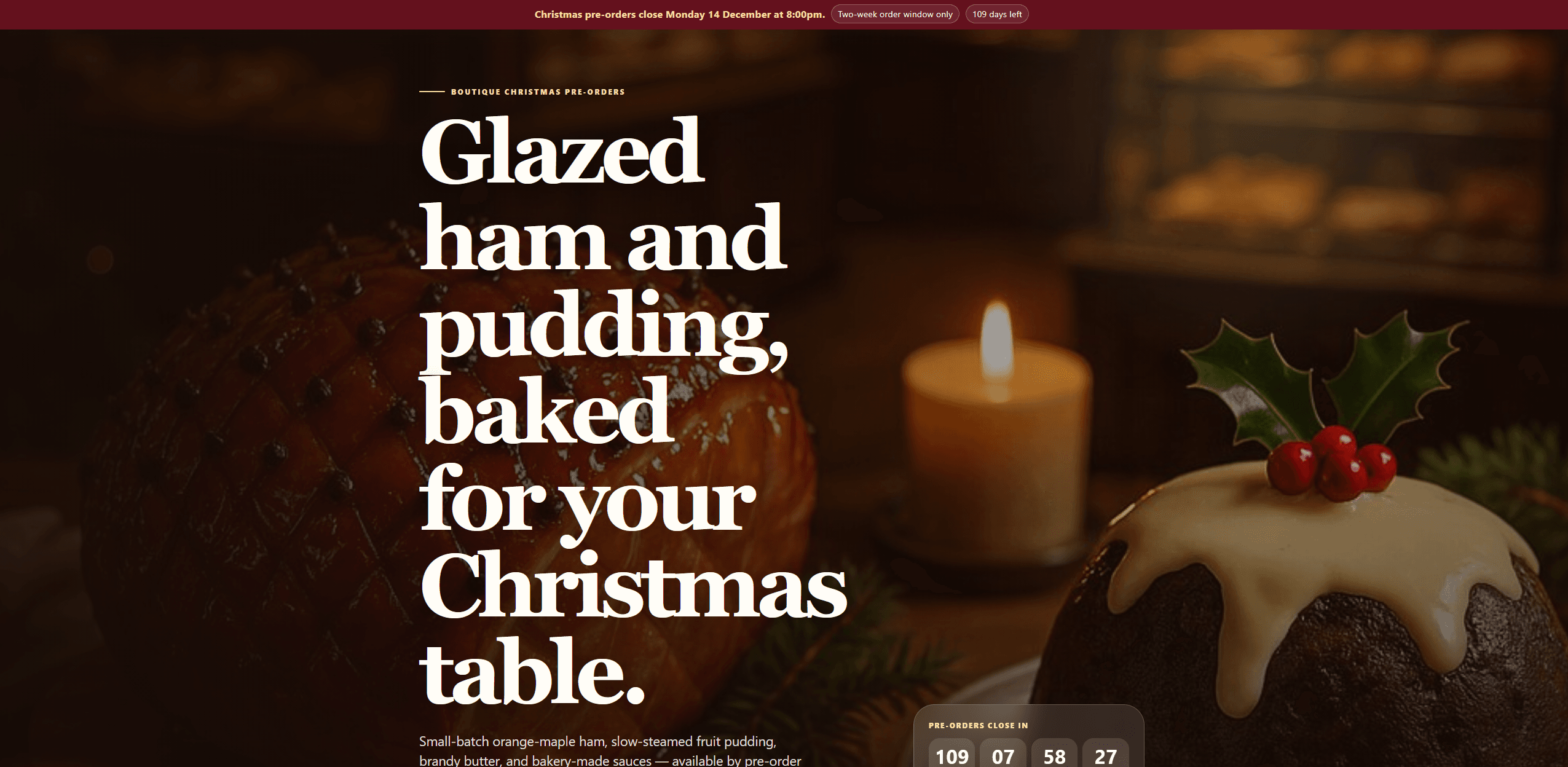
Craft brewery
From the founder
“I'm David — I built Webese because every website builder I tried made my business sound like everyone else's. So Webese starts by asking about your business first, then writes and designs around what makes you different.”
David Rosewall, Founder and Designer
“We'd been putting off a real website for years because every builder felt like a part-time job to set up. Webese had a site live the same afternoon, and it actually explains our services instead of just listing them.”
— Owner, local service business
Not a template tool. A website strategist.
Where most AI website builders promise a site in minutes, Webese promises a sharper business presence — one that explains what you do, why it matters, and why someone should take action.
A guided conversation, not a blank page
Webese asks the questions a strategist would — who you serve, what you offer, what makes you different — then turns your answers into a site built around your real business, not a generic template.
The result is message clarity
Visitors understand what you do, who it's for, and why to choose you within seconds of landing. That's the one outcome every headline, section, and call to action is built to produce.
Judged by what it gets people to do
Webese avoids vague claims and writes toward the real objections a customer has before they buy — the kind of clarity that shows up in what a site gets visitors to do, not just how it looks.
No blank-page struggle. No generic website copy.
The actual product, at each step — not mockups. Most people go from the first question to a live site the same day.
- 1
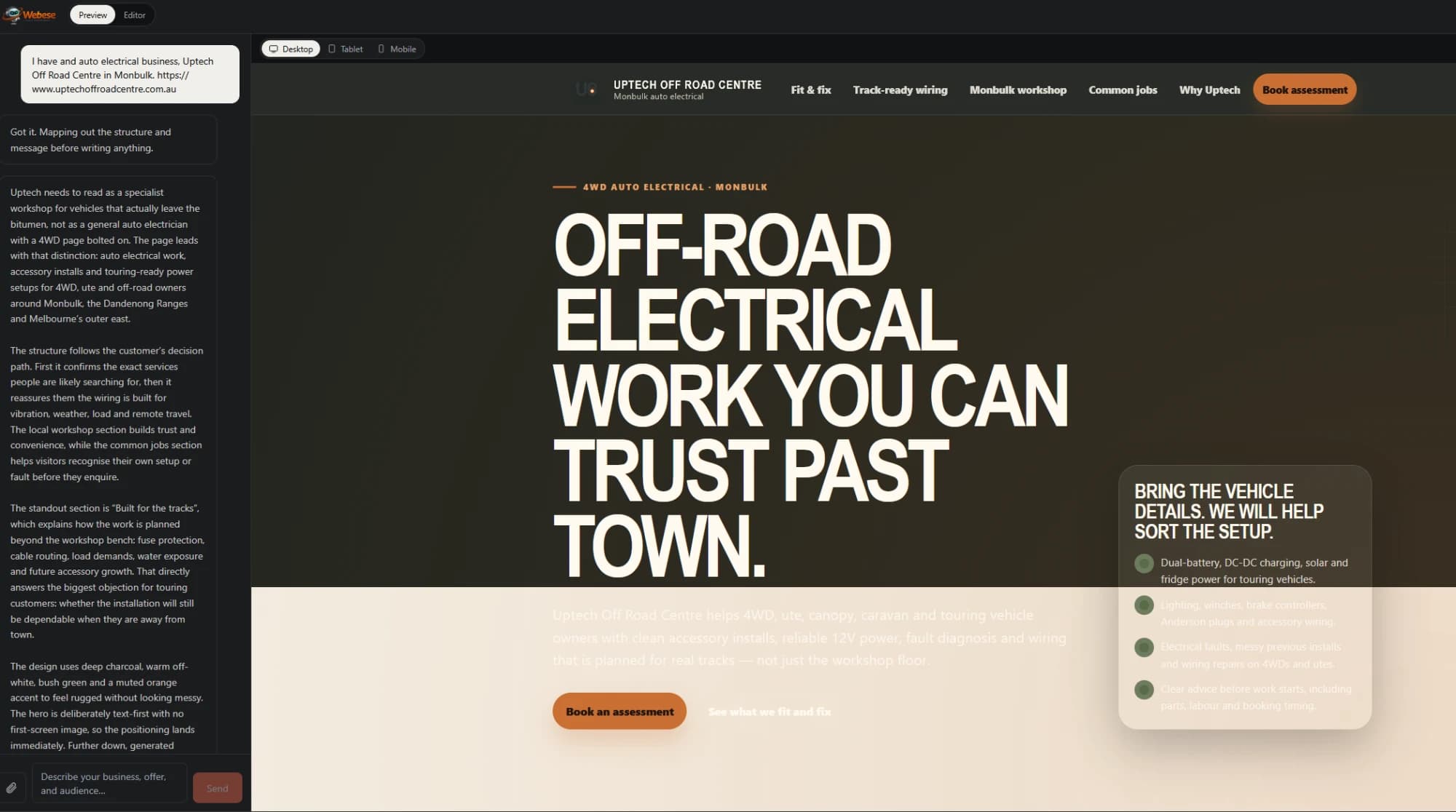
Tell Webese about your business
Chat with Webese about your business. It asks the right questions before it designs anything — who you serve, what you offer, what makes you different — then turns your answers into a fully standalone first draft.
- 2
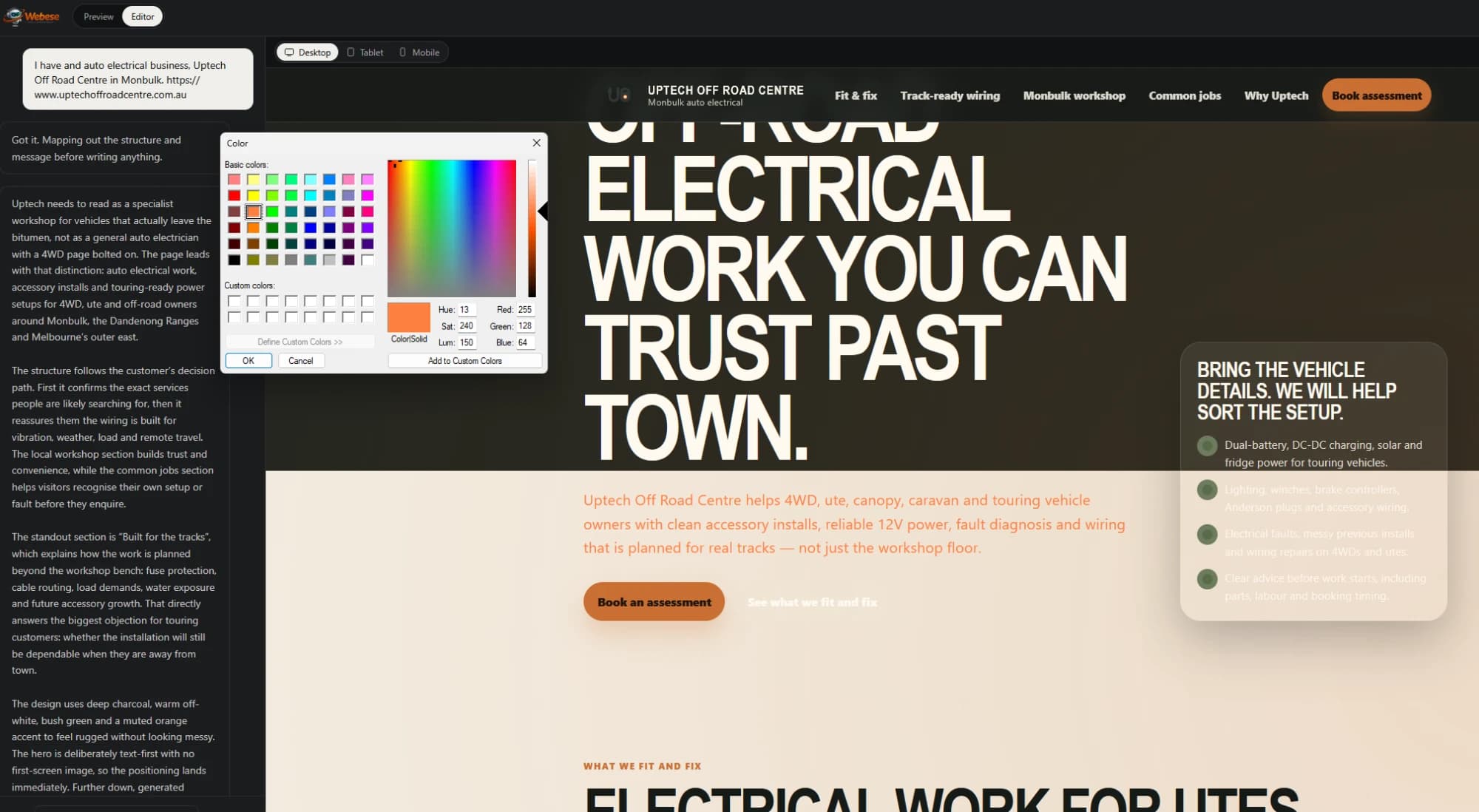
Shape it in the editor
Click any text to edit it in place — resize it, recolour it, or remove it. Swap any photo, logo or hero backdrop for one you upload or one Webese generates. Your website, shaped with you — not a black box you can't touch.
- 3
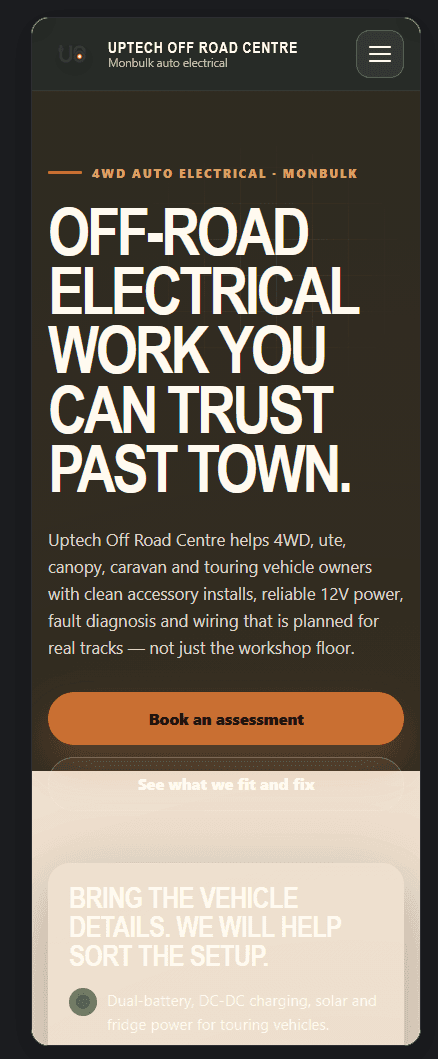
Check it at every size
Switch the canvas between desktop, tablet and mobile and see the real layout each one gets — not an illustration of it. Most of your visitors arrive on a phone, so this is the view worth getting right before anyone sees it.
- 4
Publish instantly
One click publishes your site to a live webese.ai address — sitemap, search metadata, and social previews already in place — ready to share and keep improving as your business learns.
Everything a live website needs, built in.
No plugins to install, no separate tools to wire together — every site comes with this from the moment it's published.
Click-to-edit visual editor
Click any text to change it in place, resize it, or recolour it against its background — no separate design tool required. Repeated cards get a Duplicate button, and maps and video headers are editable too.
Built for phones, checked before you publish
Switch between desktop, tablet and mobile and see the genuine layout each device gets. Every published site is also guarded against the usual causes of a page sliding off the edge of a phone screen.
Your fonts, your call
Change the type across your whole site from curated Google Fonts pairings, previewed live on your real page — and your choice survives every later AI revision.
Real photos, not stock filler
Replace any image, logo or hero backdrop with one you upload or one Webese generates — then resize it, crop it to fill its slot, and align it, right from the editor.
Start from a design you like
Attach a screenshot, a mockup you generated elsewhere, or your current website, and Webese takes design direction from it — rebuilt properly, not traced.
Links that just work
A broken or missing link is fixed automatically wherever there's already a matching section — and if a page genuinely doesn't exist yet, Webese can write it for you.
A real blog, not an afterthought
Add blog posts and extra pages as real, separate, independently-indexable pages — automatically kept in your sitemap as your site grows.
Sell products, keep what you earn
Connect your own Stripe account or take payments by direct bank transfer. Either way, money goes straight to you — Webese charges 0% on top.
Use a domain you already own
Connect your own domain for a one-time $24 fee — Webese shows you exactly which DNS record to add at GoDaddy, Namecheap, or wherever it's registered, and handles the rest, including a real SSL certificate.
Ready for AI search
Built to be found — by Google and by AI answer engines.
More people now find businesses by asking ChatGPT, Perplexity, or Google's AI Overviews — and those engines cite the sources they can read cleanly. Every Webese site ships the files and structure they look for, written from your own content, from the first publish. No plugins, no separate SEO step.
Its own llms.txt
Every site publishes an llms.txt — a clean, structured briefing of your business written from your site's own content: what you do, your key topics, and a link to every page and post, so AI answer engines can read and cite you accurately.
Structured data on every page
A real title, meta description, Open Graph and social preview tags, and schema.org structured data — so both Google and AI models understand exactly what your business is, not just the words on the page.
Crawlable by design
A sitemap, a robots.txt, and separate, independently indexable pages for every blog post — the standard signals search crawlers and answer engines rely on, kept in sync automatically as your site grows.
Always building
What we're working on next.
Webese ships new capabilities constantly. Here's what's actively in development — timelines aren't fixed, but the direction is.
No-touch payments
Sell products on your site without connecting a Stripe account yourself — guided, built-in payment setup.
Full drag & drop editor
Beyond click-to-edit: rearrange, resize, and restructure sections directly, for when you want more control over layout.
AI logo designer
Generate a logo that matches your site's direction, right alongside the rest of your brand.
AI video designer
Turn your site's message into short video — for social, ads, or the site itself.
AI marketing & legal support
Guidance beyond the website itself — from marketing your business to the legal basics every site needs.
Want to see something specific? Tell us at hello@webese.ai.
Questions people ask before starting
How is Webese different from other AI website builders?+
Most tools start from a template and fill in the blanks. Webese starts with your business — who you serve, what you offer, what makes you different — and lets that drive the headline, structure, and calls to action, so the result reads like your business instead of a generic template with your logo on it.
How long does it take to get a website live with Webese?+
Usually the same day — often within the hour. The guided conversation takes a few minutes, the build itself takes a few more, and publishing is one click. There's no 7–14 day project timeline and no waiting on a designer.
Webese vs GoDaddy Airo vs Hostinger — what's the difference?+
GoDaddy Airo and Hostinger's AI builder are both fast, template-driven tools focused on getting a site online in minutes. Webese takes an extra step first — real positioning work on who you serve and what makes you different — before writing anything, and once your site is live you can click into any section and reshape it directly, rather than being limited to swapping out pre-built blocks.
Do I need any design or coding experience?+
No. You describe your business in plain language, Webese writes and designs the site, and you can then click any text, image, or graphic to change it directly — no code, no drag-and-drop block system to learn.
Can I actually edit the site after it's generated?+
Yes — click any text to edit it in place, resize or recolour it, replace any photo, logo or hero backdrop (upload your own or generate a new one), change the fonts across the whole site, duplicate a product or team card, edit a map's location or swap a video header, and fix any link that doesn't go where it should. It's your website, shaped with you, not a black box you can't touch. Editing in the canvas and uploading your own photos are unlimited on every plan.
Are AI revisions and AI photos unlimited?+
On Pro and Enterprise, yes. Other plans include a monthly allowance that resets on the 1st: AI revisions & follow-ups — 10 a month on Free, 30 on Starter and 80 on Growth — unlimited on Pro and Enterprise; AI-generated photos — 5 a month on Free, 15 on Starter and 50 on Growth — unlimited on Pro and Enterprise. A request that fails doesn't count, and editing directly in the canvas never uses the allowance. Asking the AI to rebuild a site that's already live is a one-time fee per rebuild: $4.99 on Starter, $3.99 on Growth, $2.99 on Pro after 1 free each month, and included on Enterprise.
Will my site work properly on phones?+
Yes, and you can check it yourself before publishing — the builder switches between desktop, tablet and mobile and shows the real layout each one gets, not a mock-up of it. On top of that, every site is guarded at publish time against the common causes of a page sliding off the edge of a phone screen, so a site built before that existed picks the protection up on its next publish.
Can I bring my existing website across?+
Yes. Give Webese your current site's address and it reads the colours and copy off it, then rebuilds around your positioning — inspired by what you have rather than a pixel copy. Your old site stays up untouched until you decide to move your domain, and Webese walks you through that with steps written for your specific registrar. Builds from an existing site or a reference image: 1 a month on Free and 2 on Starter — unlimited on Growth, Pro and Enterprise.
Does Webese handle SEO and AI search?+
Yes, automatically. Every generated site gets a real title, meta description, Open Graph and social preview tags, and schema.org structured data written for it, plus a sitemap, a robots.txt, and its own llms.txt — a structured briefing built from your site's own content so AI answer engines like ChatGPT, Perplexity, and Google AI Overviews can read and cite you accurately. No separate SEO step required.
Can I sell products or take payments on my site?+
Yes — connect your own Stripe account, or add a bank account to accept payments by direct bank transfer. Either way, payment goes straight to you and Webese takes 0% — Webese never holds your funds. Bands and venues can also list gigs with ticket links: up to 5 upcoming shows at a time below Pro, unlimited on Pro and Enterprise.
Can I use a domain I already own?+
Yes — connect it for a one-time $24 fee, no subscription. Webese shows you exactly which DNS record to add at your registrar (GoDaddy, Namecheap, or wherever it's registered) and handles verification and a real SSL certificate automatically once it's in place.
Is it free to start?+
Yes — you can build, edit, and share a live preview link with anyone, no credit card required. Free includes 10 AI revisions and 5 AI-generated photos a month, and the canvas editor is unlimited. Free drafts have a 14-day evaluation window with reminder emails before it ends; publishing the site ends the countdown, and a draft that reaches the end is archived rather than deleted, restored by upgrading. Publishing to a live address is what a paid plan unlocks, starting with Starter.
Can I publish my site on the free plan?+
Not yet — the free plan is for building, editing, and sharing a preview link with anyone. Publishing your site to its own live address is what a paid plan unlocks.
Looking for how to do something specific? Read the help guides — including a full walkthrough of building a site from scratch.
Launch a website that says what you mean.
Built for founders, solo businesses, and small teams who need a clear web presence without the usual website struggle.
Build my website